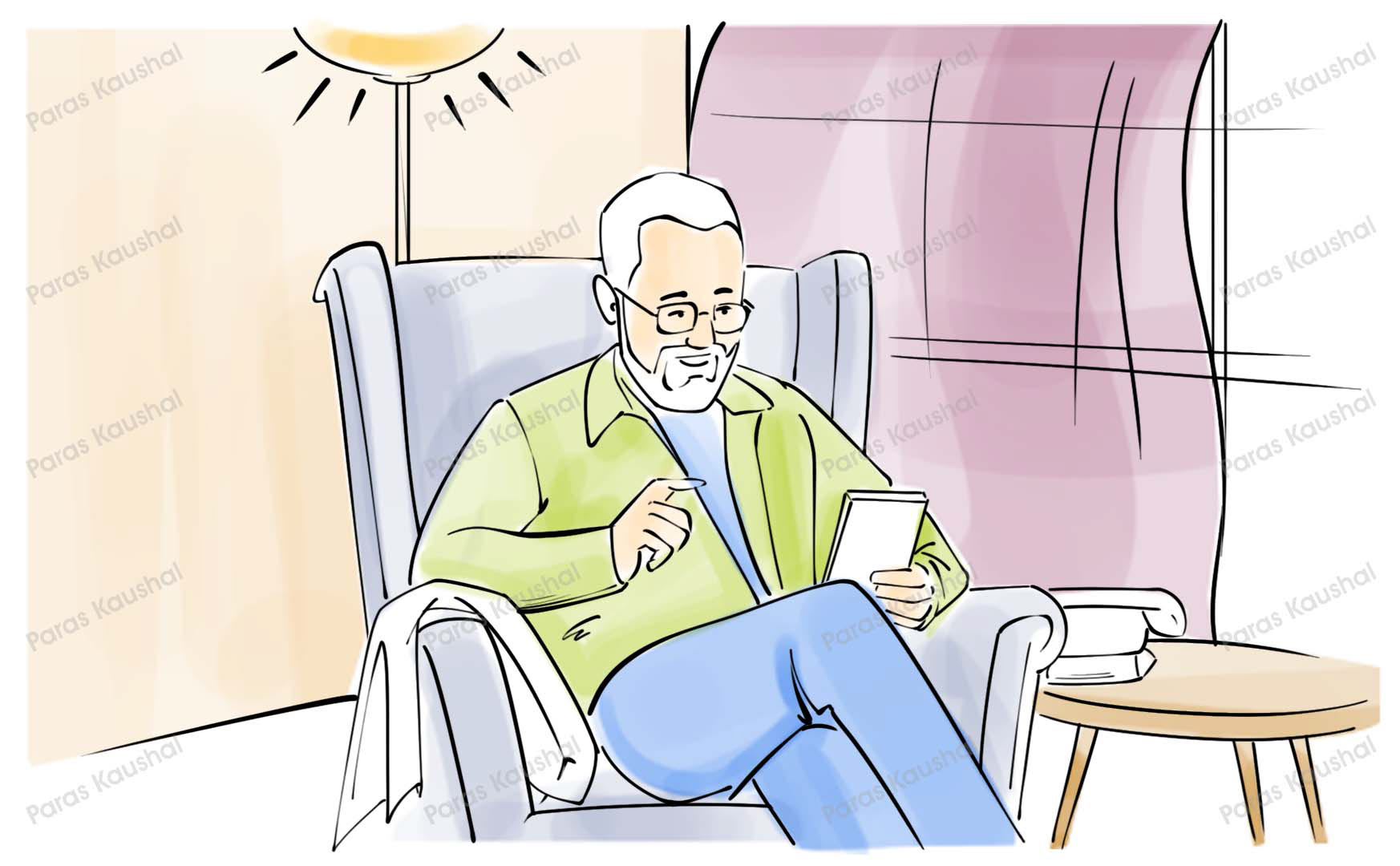
Scene 01 · S1
Calm at home
A senior citizen sits happily at home before the incident begins.
◆ Storyboarding · UI/UX Case Study
A step-by-step guide and short introduction video storyboard showing how users can use Your App for emergency and family safety, with a focus on senior citizens.
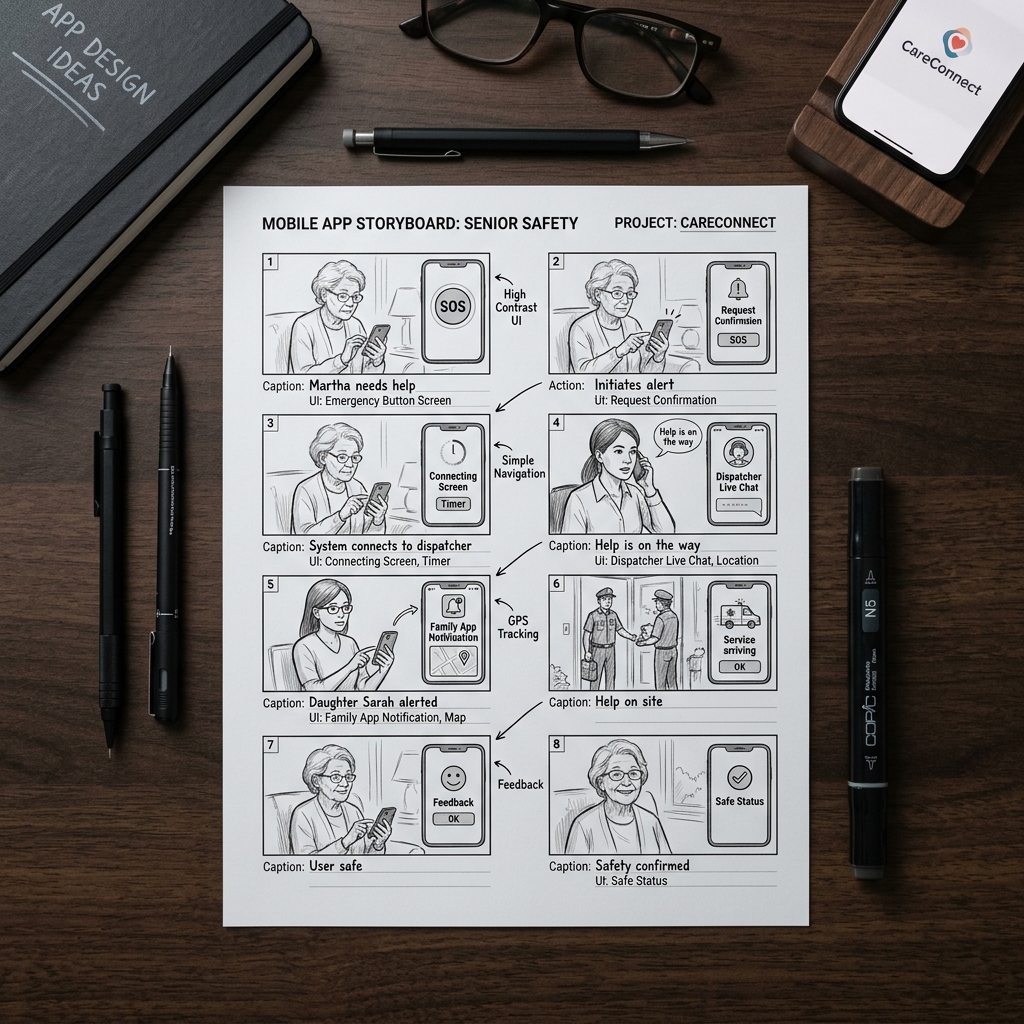
◆ Project Brief
The project translates a mobile emergency and family safety app into a storyboard for an introduction video. The narrative is simple: a senior citizen faces an unexpected emergency, uses the app, and alerts family, nearby users, and emergency contacts with location context.
The illustrations use soft color, readable staging, and step-by-step captions so the app's purpose can be understood quickly by both older users and their families.
Intro Video
Format
7 Scenes
Frames
Senior Safety
Focus
Mobile App
Experience
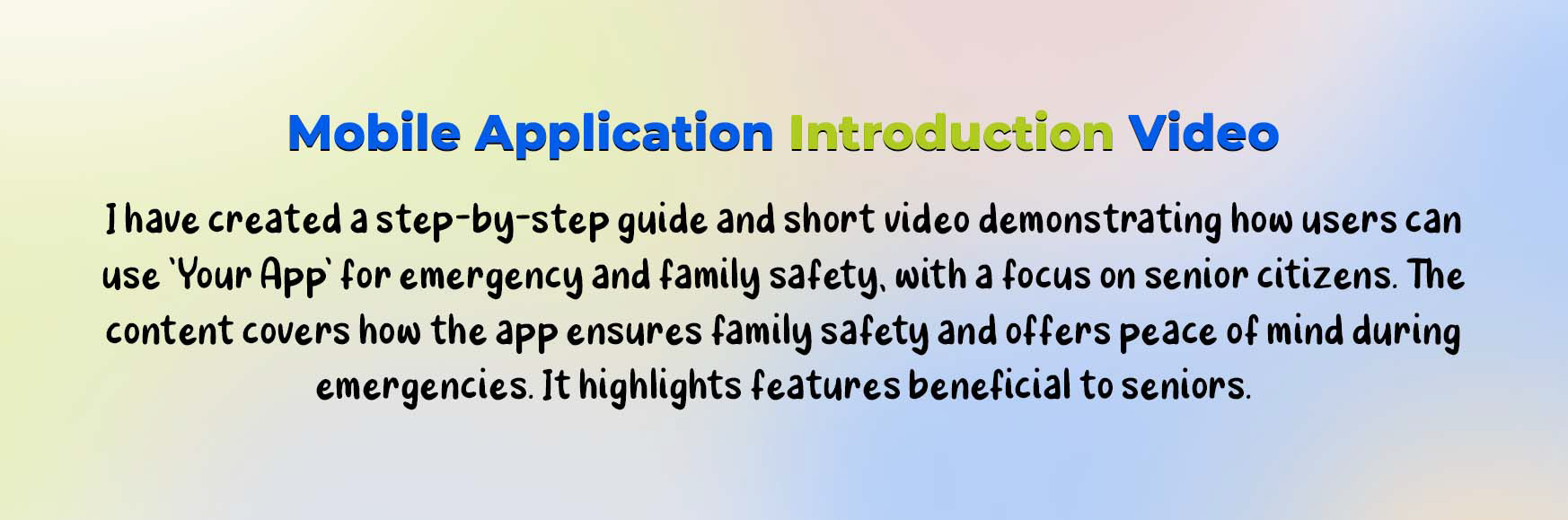
◆ Storyboard Sheet
The complete storyboard shows the app experience from the first emergency trigger to family reassurance, including the alert path and geolocation handoff.
◆ Approach
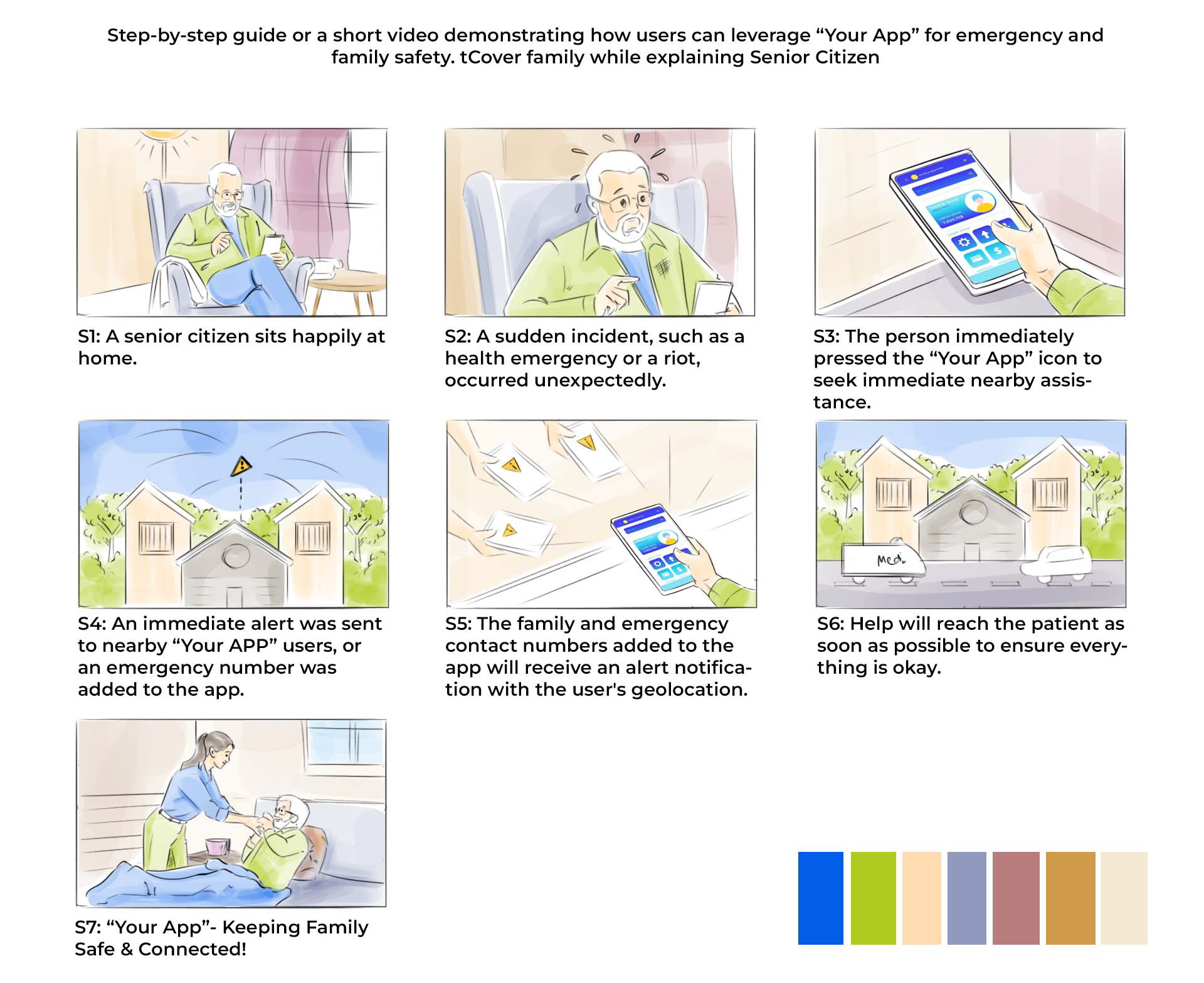
The sequence starts with a calm home moment, introduces an emergency, then shows the app becoming the path to fast assistance.
Each panel makes one action clear: open the app, send an alert, share location, notify contacts, and bring help closer.
Soft colors, loose linework, and human-focused framing make the walkthrough feel accessible for families and senior users.
◆ Storyboard Sequence
Each panel is paced as a scene beat for the introduction video, moving from calm setup to incident, alert, location sharing, help, and family reassurance.
A senior citizen sits happily at home before the incident begins.
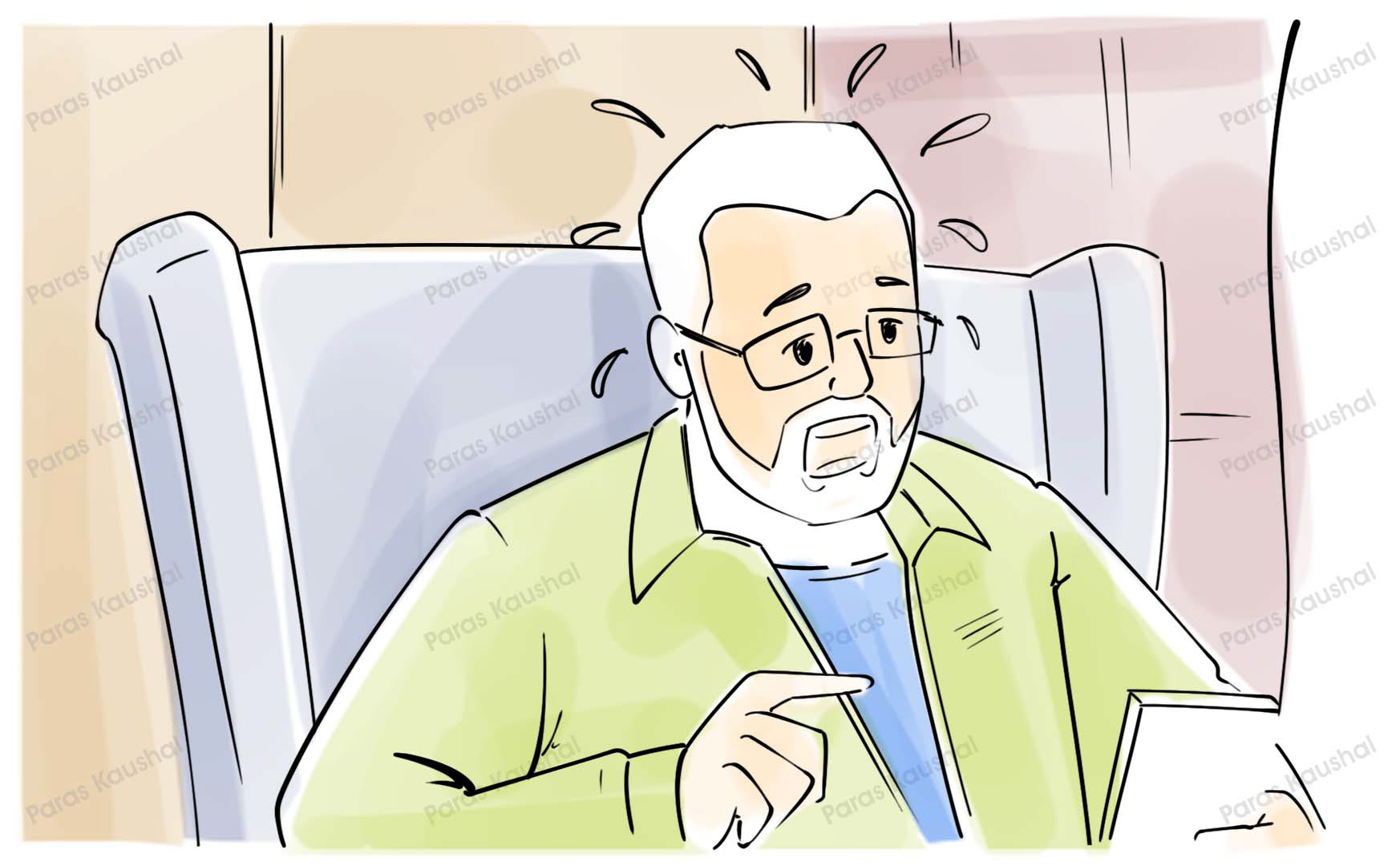
A sudden health emergency or riot occurs and the user needs help quickly.
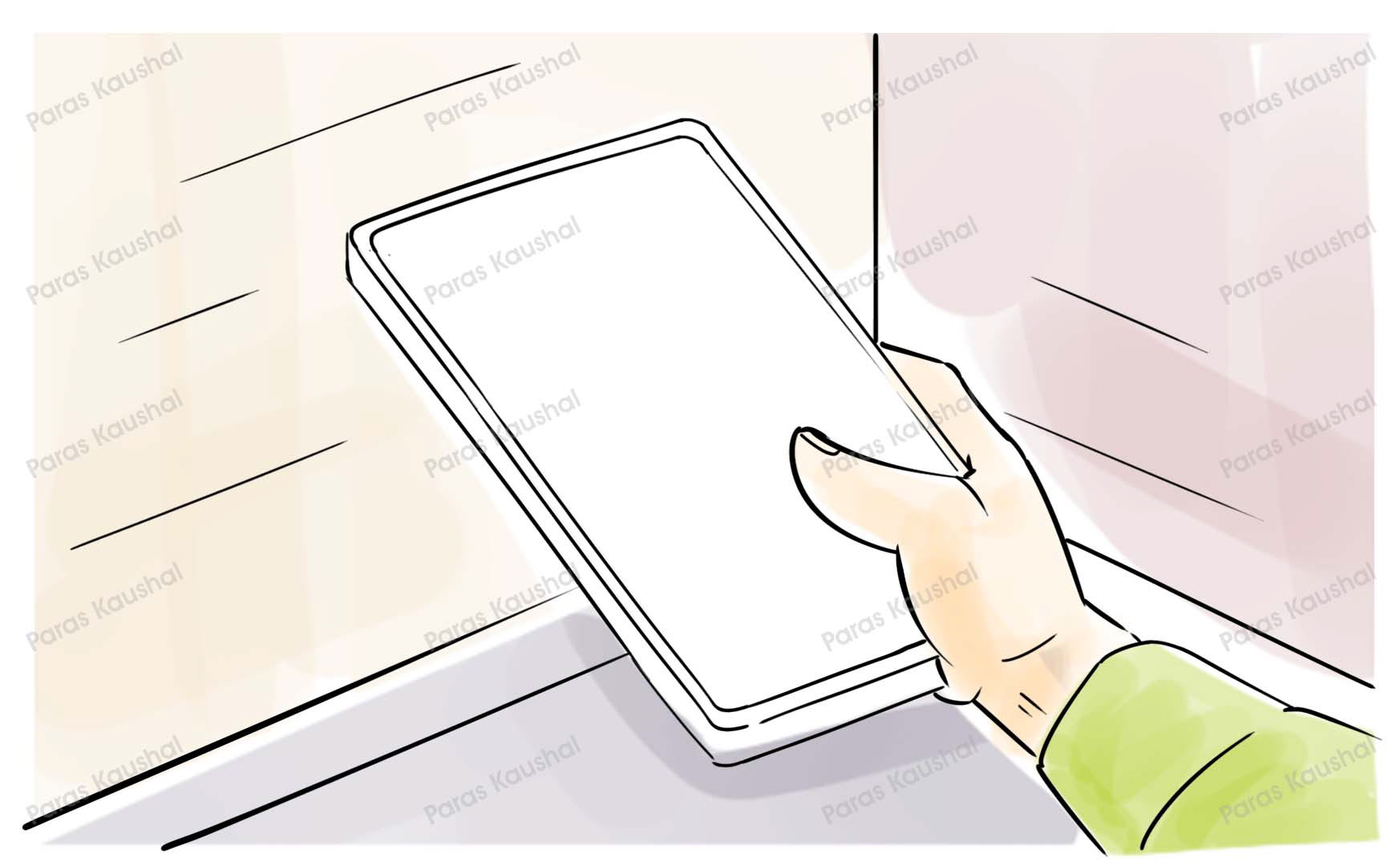
The person presses the Your App icon to seek nearby assistance.
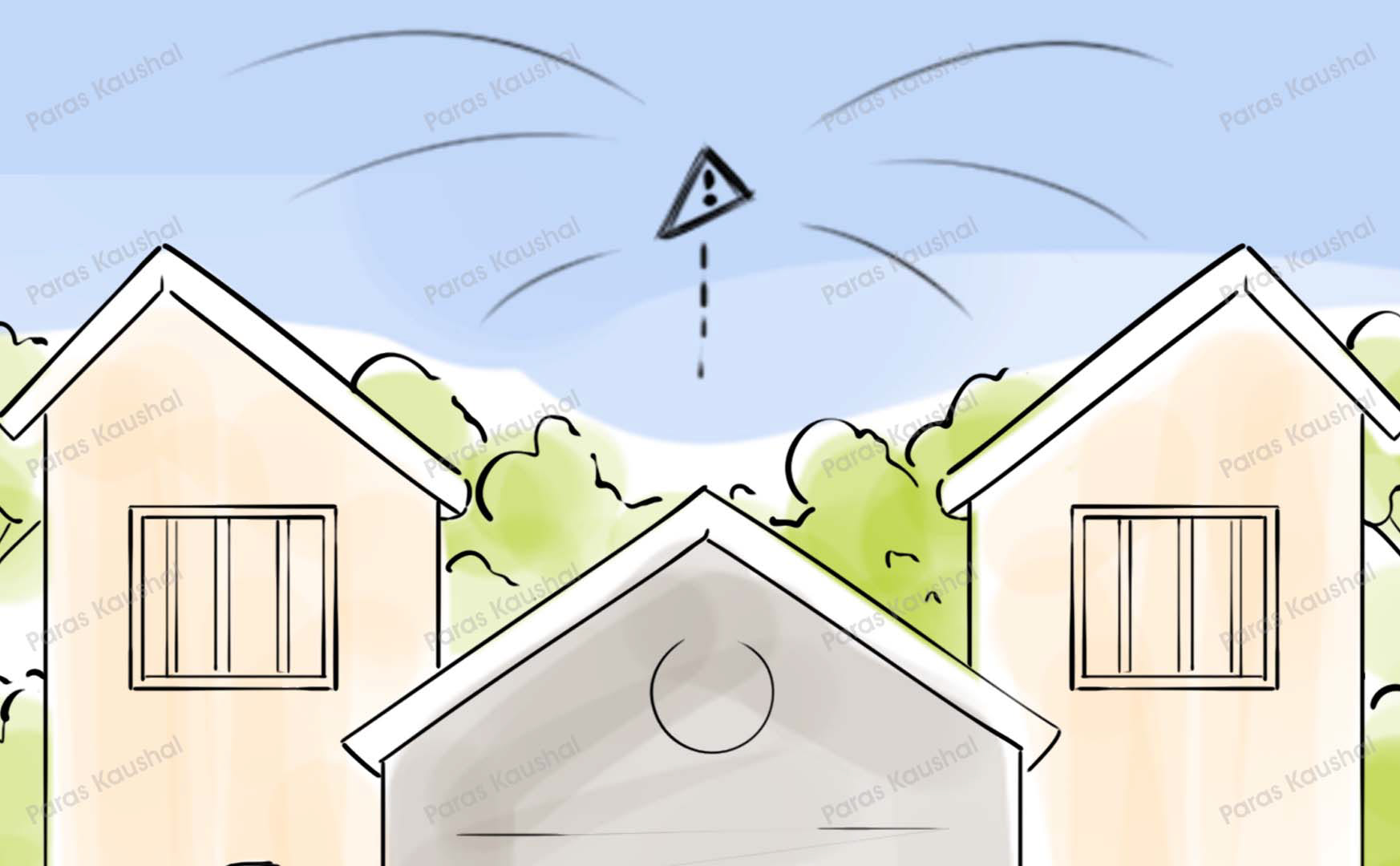
Immediate alerts reach nearby users or emergency numbers already added to the app.
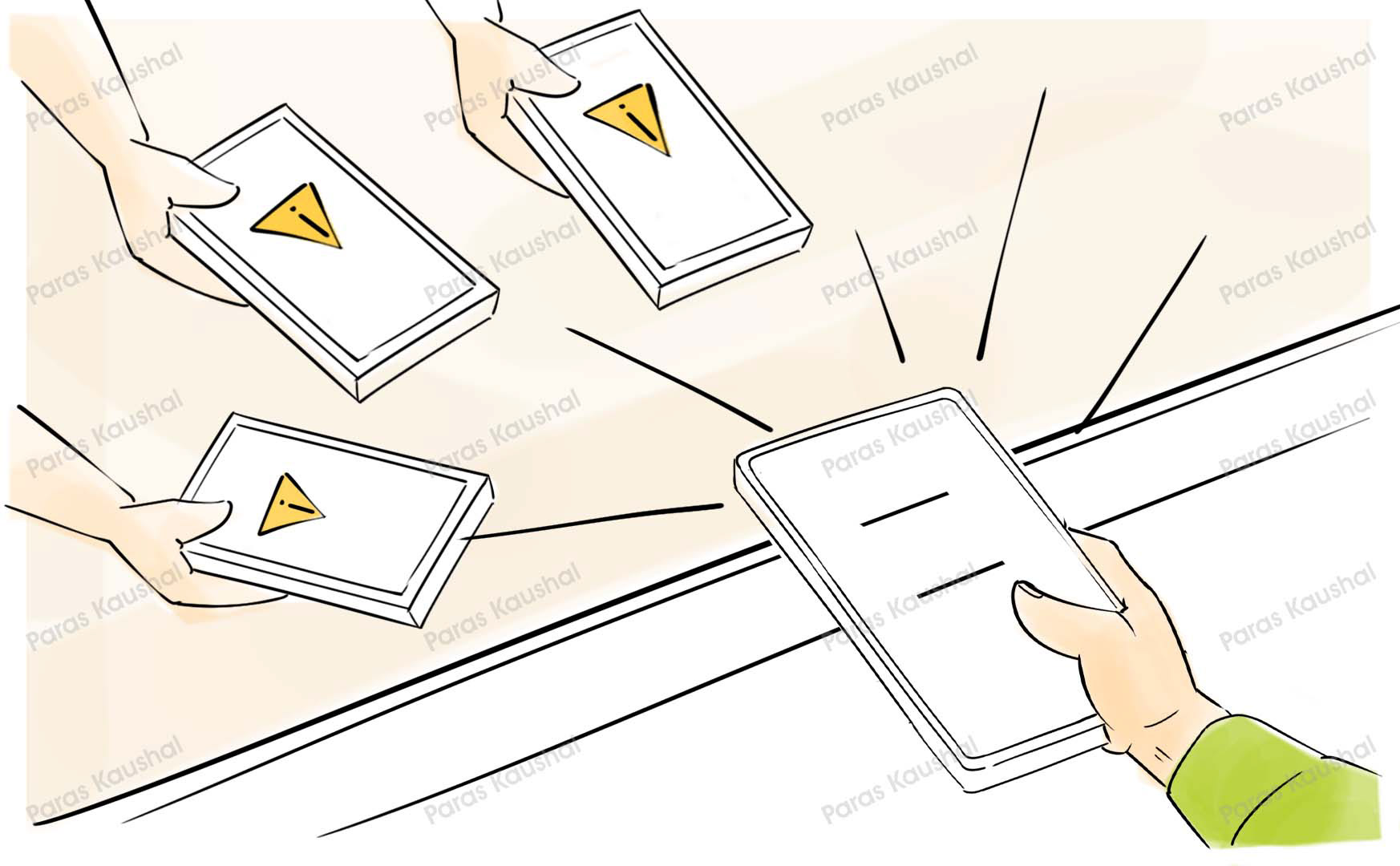
Family and emergency contacts receive the alert notification with geolocation.
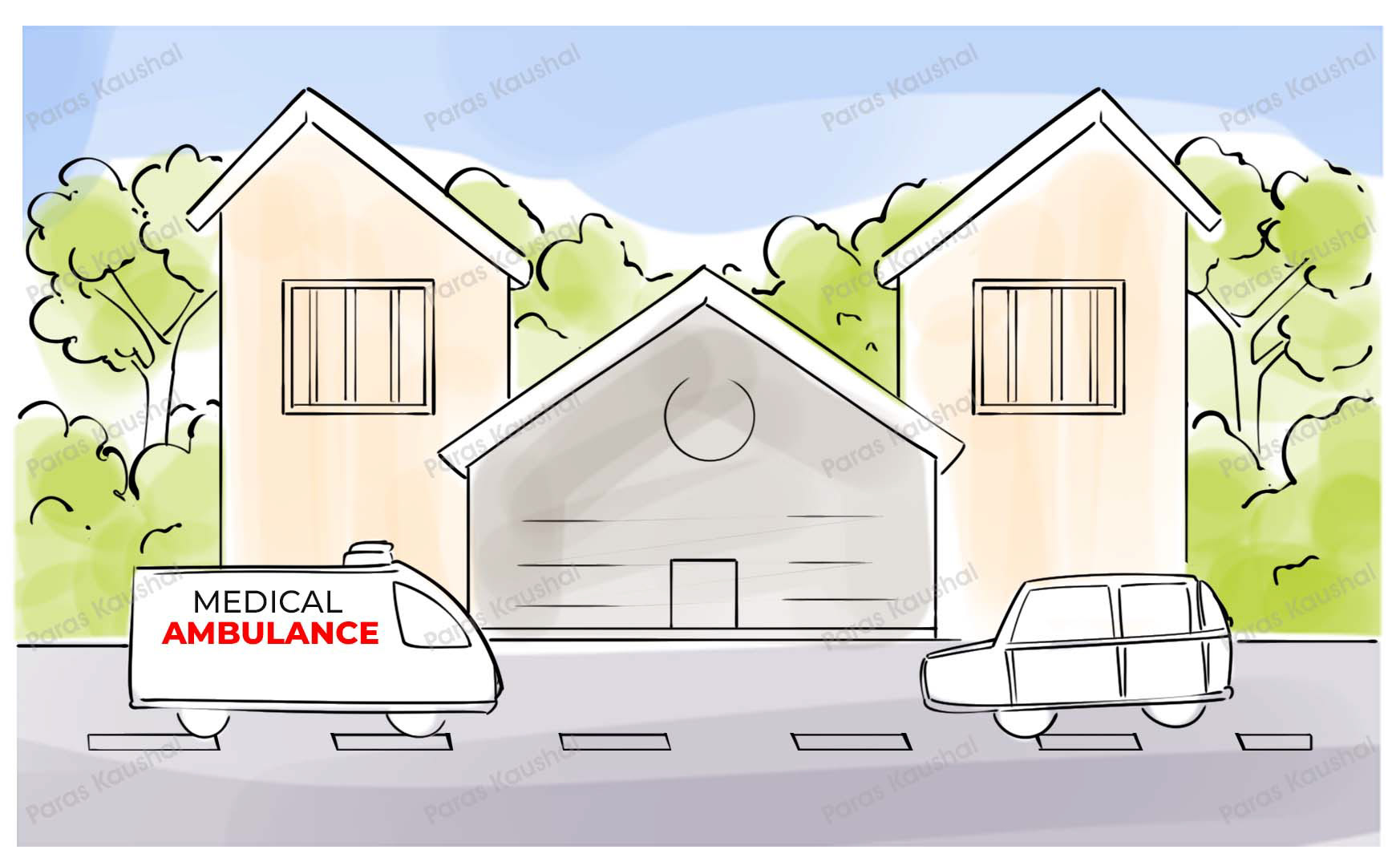
Assistance reaches the patient as soon as possible to make sure everything is okay.
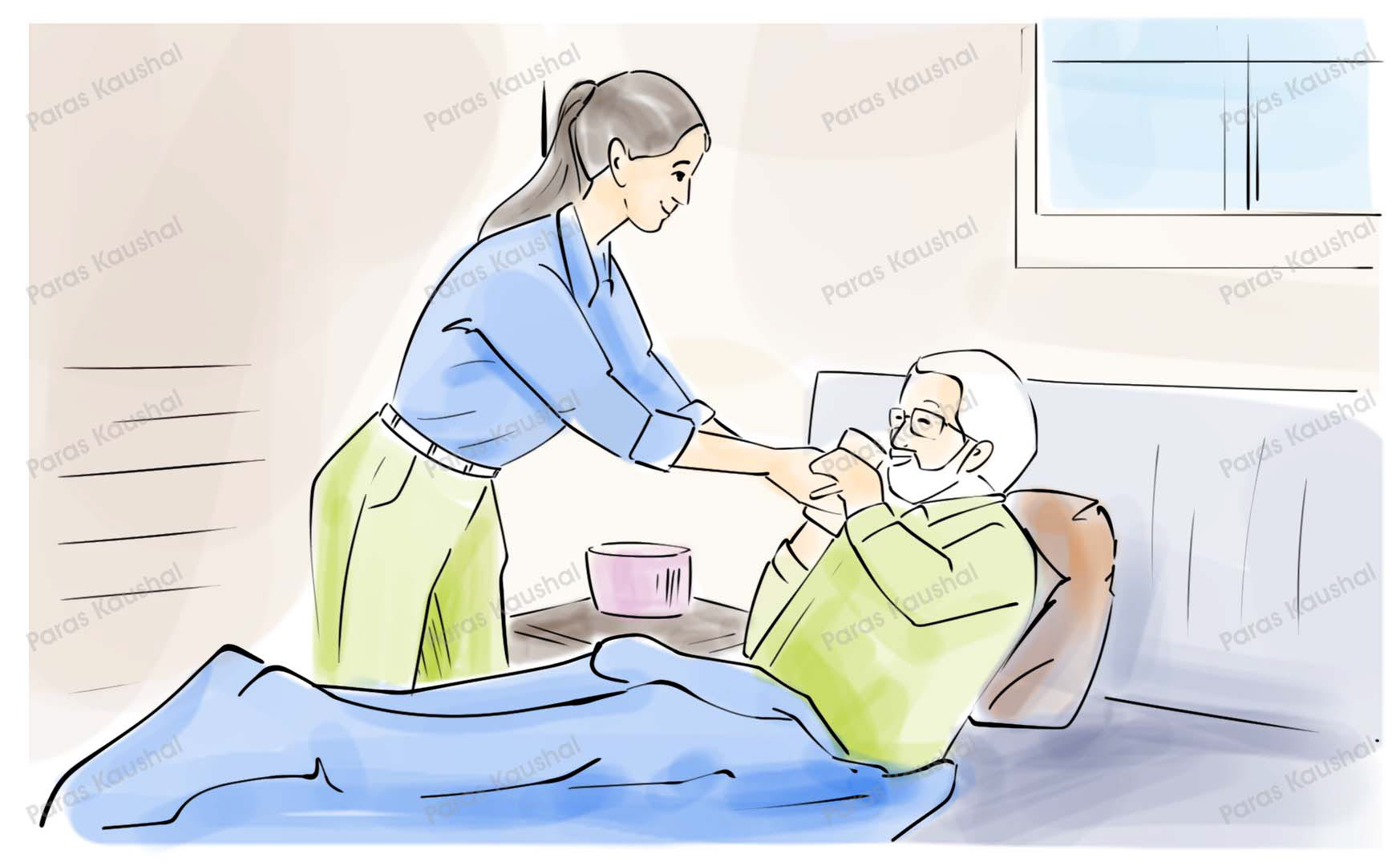
The final message reinforces family safety, care, and connection.
◆ Outcome
The final storyboard gives the app a clear narrative structure: danger is noticed, help is requested, contacts are informed, location is shared, and support reaches the person in need.
Every scene is built around confidence, clarity, and quick action.
The geolocation step is shown as part of the core emergency flow.
The ending brings the product back to care, connection, and peace of mind.
◆ Need a storyboard?
From rough concept to storyboard frames, I can turn your product flow into a clear visual walkthrough for users, investors, or launch videos.